Design Specifications
Ava

Search and Replace
See table below
Headings Font:
Raleway Extra Bold Uppercase
Text Font:
Raleway Normal
Scrolling Row Button
Standard Button
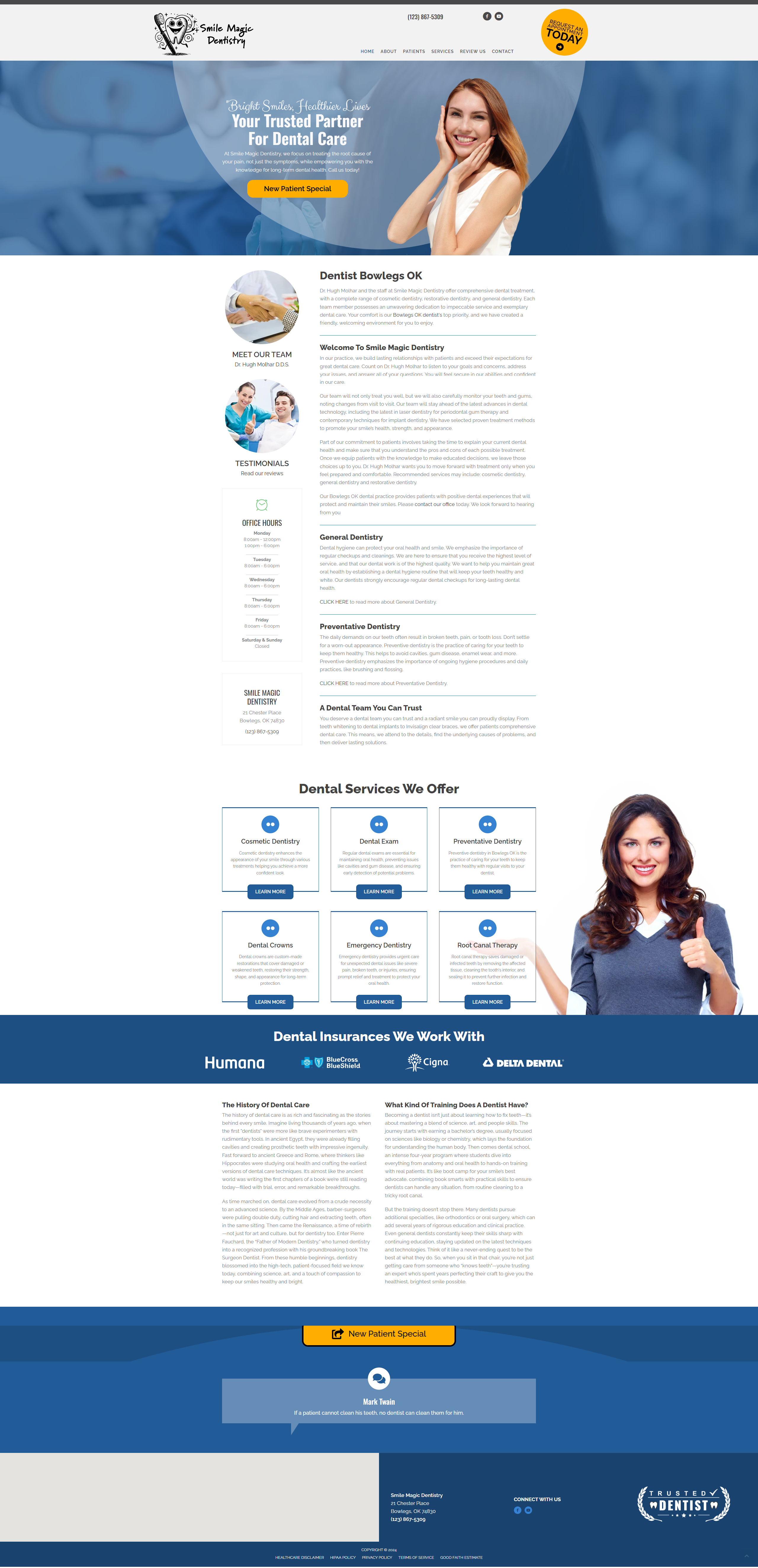
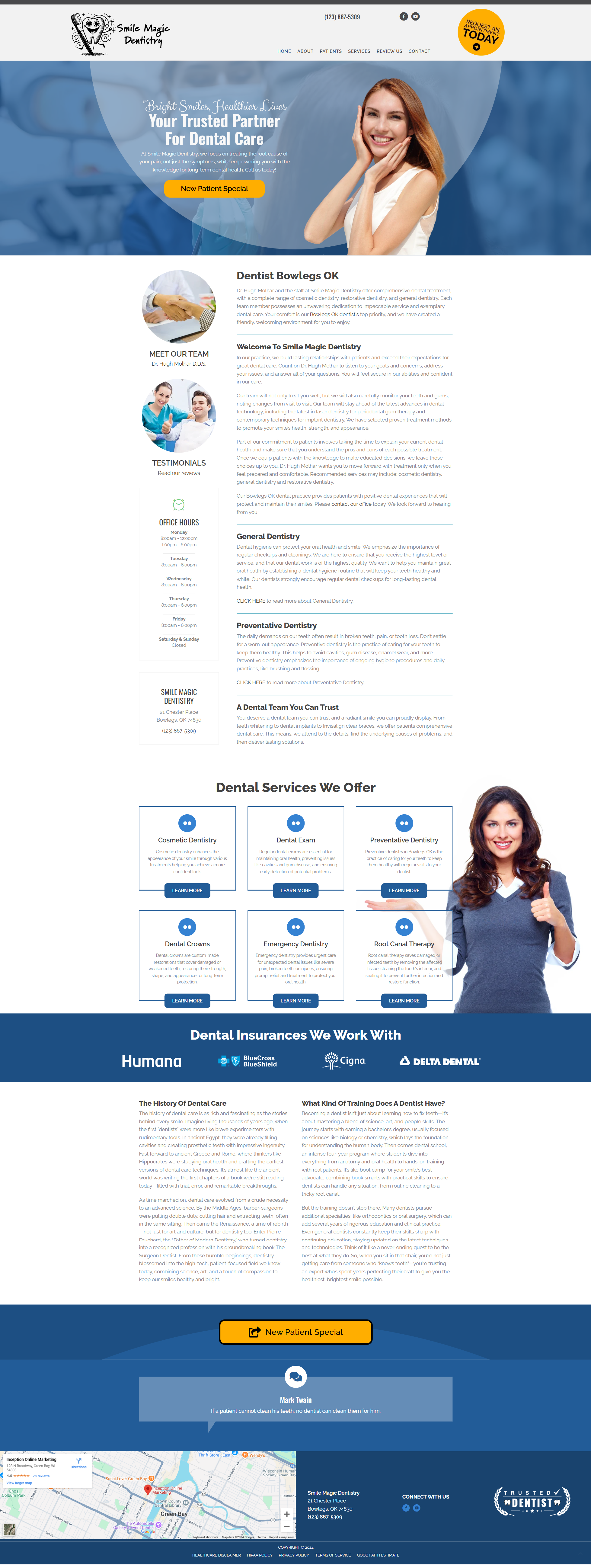
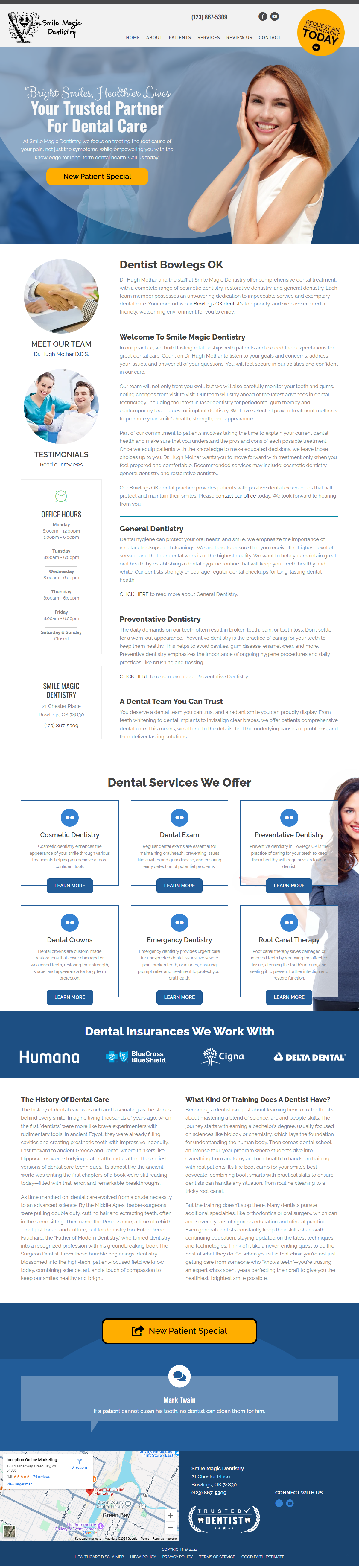
Homepage Options for Office Hours and NAP Info:
Depending on the amount of homepage content available, whether from our content sets or the client's unique content, there are two options for Office Hours and NAP info.
The template is loaded with both options. Choose the modules that will fill the space the best and remove the modules you do not need.
Option #1 is a Flip Box, Option #2 has Info Boxes.
Option #1

Option #2

Color Variations
Must perform color search and replace 6 times if the client has chosen the Gold or Pink variations.
- Template Green 36ed45

Base Green – search for
- 6dcb77
- f9f9f9
- 0086a3
- 6dcba6
- rgba(0,134,163,0.81)
- rgba(237,237,237,0.37)

Gold – replace with
- ffae00
- ffffff
- cae4db
- 00303f
- rgba(0,48,63,0.77)
- rgba(0,48,63,0.6)

Pink – replace with
- db5461
- 686963
- 686963
- b1c6cf
- rgba(175,196,206,0.85)
- rgba(227,242,253,0.58)
Appointment Buttons in DropBox
Copy and Paste the links to add to your build:

Request An Appointment
https://www.chiro.inceptionimages.com/wp-content/uploads/2019/02/Request-an-Appointment-gold.png
Schedule An Appointment Online
https://www.chiro.inceptionimages.com/wp-content/uploads/2022/07/Schedule-An-Appointment-Online-Gold.png


Your Feedback
Is Appreciated